
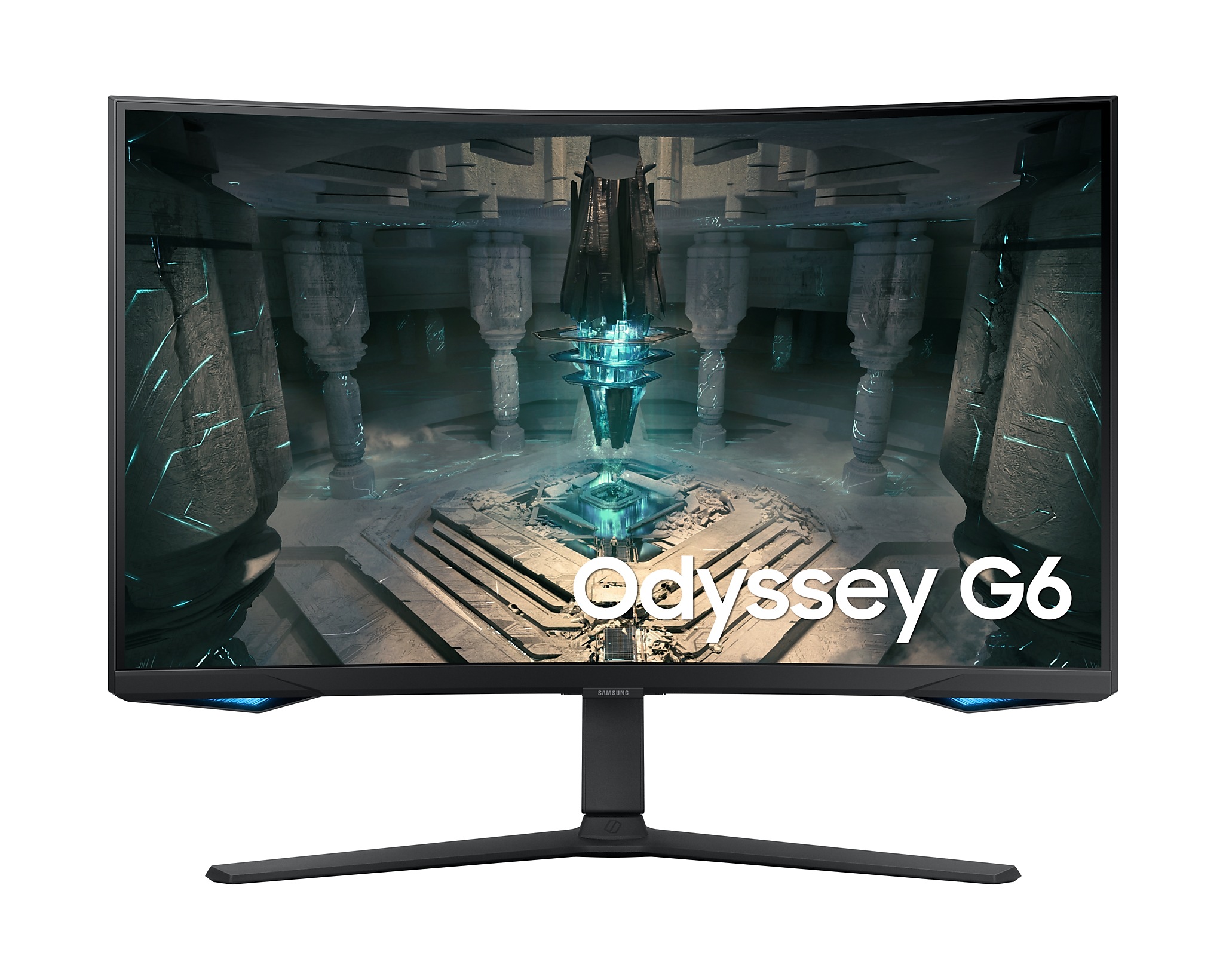
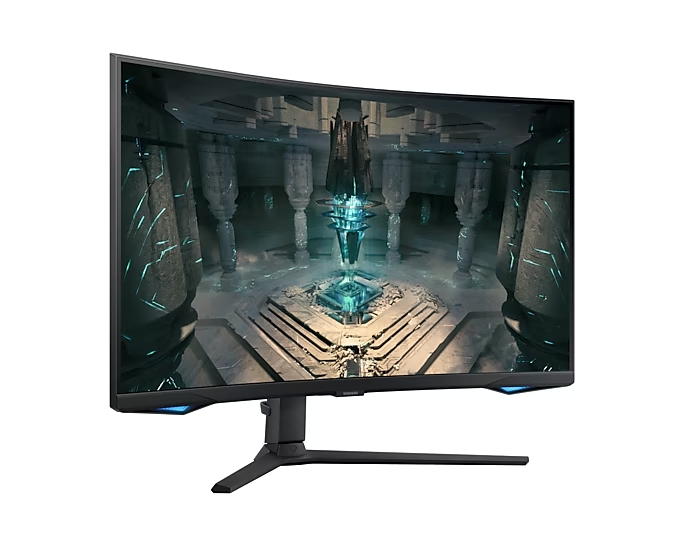

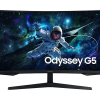
Samsung Odyssey G6 32-Inch Curved QHD 240Hz (LS32BG650EMXUE)
KSh 80,000.00 (EX.Vat)
Samsung Odyssey G6 (LS32BG650EMXUE) is a high-performance 32″ QHD curved gaming monitor designed for competitive gamers and multimedia enthusiasts. With a 240Hz refresh rate, 1ms GTG response time, and VESA DisplayHDR 600 support, it delivers ultra-smooth, vivid visuals, enhanced by 95% DCI-P3 color accuracy and deep contrast (2500:1 static). The 1000R curvature creates an immersive viewing experience, while FreeSync Premium Pro and smart features like Tizen-based Samsung Gaming Hub, Virtual Aim Point crosshair, and CoreSync lighting enhance gameplay.
Connectivity options include DisplayPort 1.4, HDMI 2.1, USB 3.0, Wi-Fi, and Bluetooth, while its ergonomic stand offers height, tilt, swivel, and pivot adjustments. Though optimal performance requires specific setup, such as using compatible cables for 240Hz, the Odyssey G6 is a top-tier choice for gamers seeking both performance and smart functionality.
Samsung Odyssey G6 (LS32BG650EMXUE)
Display Specs
- Screen Size & Resolution – 32″ QHD (2560×1440), 16:9
- Panel Type – VA with 1000 R curvature (immersive and eye-friendly)
- Refresh Rate – 240 Hz max (achieved via DisplayPort 1.4 or HDMI 2.1)
- Response Time – 1 ms GTG / MPRT for blur-free gaming
- Brightness – 350 cd/m² typical (300 cd/m² minimum)
- Contrast Ratio – 2500:1 static, “Infinity” dynamic contrast
- HDR – VESA DisplayHDR 600, HDR10 support
- Color – 95 % DCI-P3 (typical), 1 billion colors
Connectivity & Smart Features
- Inputs:
- DisplayPort 1.4 (240 Hz)
- 2× HDMI 2.1 ports (supports 1440p/240 Hz)
- 2× USB 3.0 upstream
- Headphone jack
- Ethernet (LAN) + Wi‑Fi 5 + Bluetooth 5.2
- Smart OS – Tizen-based Samsung Gaming Hub: cloud gaming, consoles, Google Duo, Microsoft 365, SmartThings, remote/joystick control
- Other Features – FreeSync Premium Pro, Virtual Aim Point crosshair, CoreSync lighting, Auto Source Switch+, Game Bar 2.0, Eye Saver and Flicker-Free modes
Ergonomics & Build
- Stand: Height adjustable (~120 mm), tilt –9° to +13°, swivel ±15°, pivot ±92° (portrait), VESA 100×100 wall mount
- Weight: ~7.4 kg assembled, 5.5 kg panel only
- Power: 68 W typical, 0.5 W in standby, external power brick, ~99 kWh/year consumption
Insights & Optimization Tips
240 Hz Mode Setup
– Use DisplayPort 1.4 or HDMI 2.1 with a compatible cable and ensure DP1.4 is used; switching ports/cables resolved refresh-rate issues for some users.
VRR Flicker Troubleshooting
– If you encounter flickering, disable VRR (FreeSync/G-Sync), or set a custom refresh rate like 165 Hz; many users reported this fixes screen flicker.
Panel Quality
– Quality control reports include scan lines, flickering, or startup signal issues for some units; RMA may be necessary.
HDR Issues on Consoles
– Some users had HDR greyed out on consoles (Xbox Series X/PS5); tweaking console settings helped enable HDR
Settings & Recommendations
To get the full performance and avoid pitfalls:
| Feature | Recommended Setting |
| Connection | Use DP 1.4 or HDMI 2.1 with certified cable |
| Refresh Rate | Set to 240 Hz in GPU/OS settings |
| VRR | Enable FreeSync Premium Pro; if flicker, disable VRR or drop to ~165 Hz |
| HDR | Enable HDR10/VESA HDR600; for consoles ensure console HDR is ON |
| Eye Comfort | Enable Flicker-Free & Eye Saver during long sessions |
| Firmware | Keep Tizen firmware updated (via USB as needed) |
LS32BG650EMXUE Odyssey G6 delivers exceptional 240 Hz performance, immersive 1000 R curved QHD display, strong HDR and color specs, plus built‑in smart features. Ideal for competitive gamers and multimedia use.
However, be mindful of connection requirements for full 240 Hz, VRR-related flicker on some units, and occasional panel quality issues. Using recommended setups and optimizing settings should help you leverage its full potential.
Be the first to review “Samsung Odyssey G6 32-Inch Curved QHD 240Hz (LS32BG650EMXUE)”
Related products


Computer Monitors
Samsung Odyssey G6 32-Inch Curved QHD 240Hz (LS32BG650EMXUE)

Desktop Computers


Reviews
There are no reviews yet.